
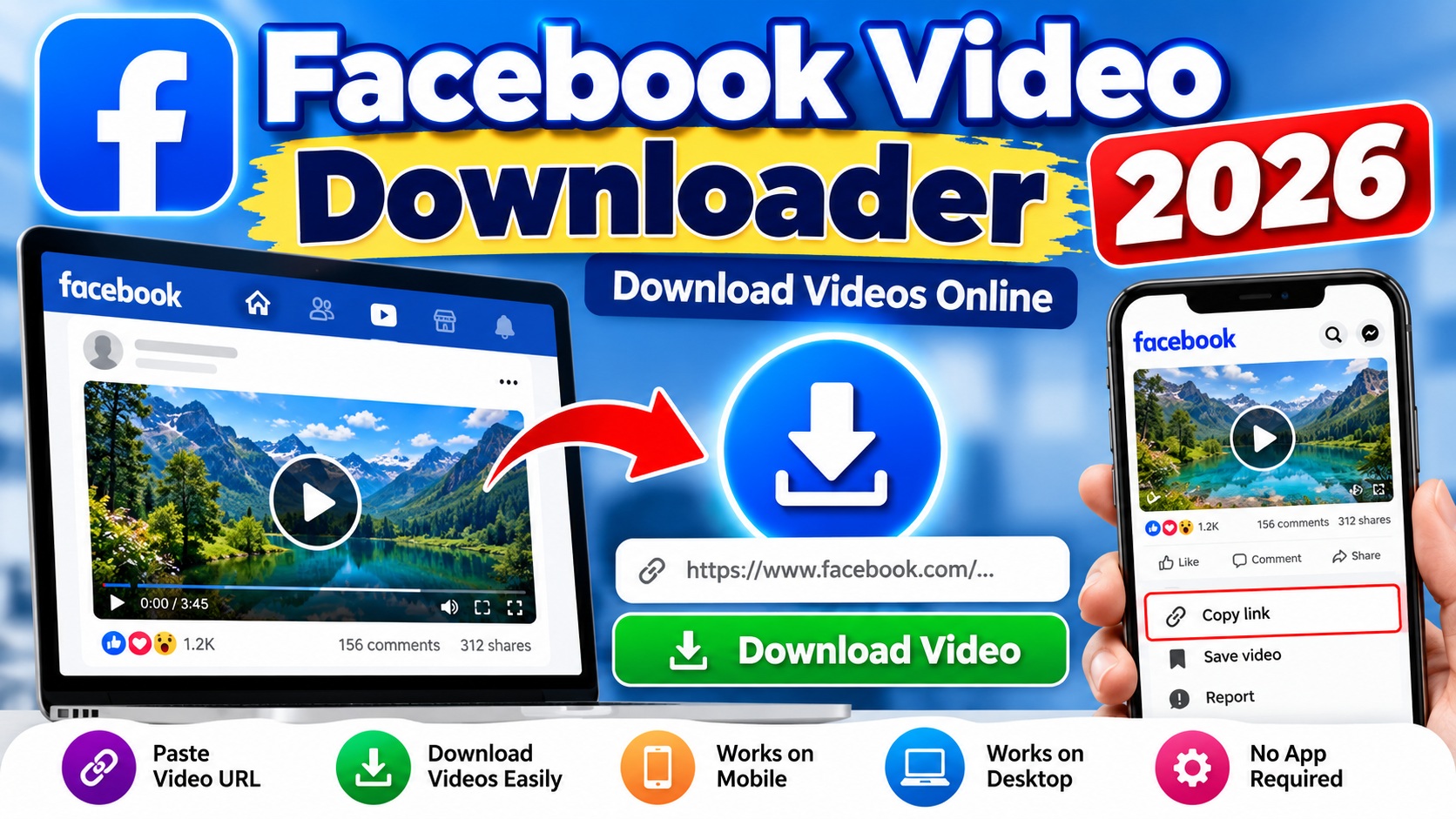
Facebook Video Downloader lets you download publicly available Facebook videos online on mobile and desktop. Paste a supported Facebook video link below to get started.
Facebook Video Downloader
Facebook video का URL नीचे डालें और Download पर क्लिक करें।
Facebook Video Downloader 2026
Facebook Video Downloader is a simple online tool that helps you download publicly available Facebook videos quickly and easily. You can use it on mobile, tablet, laptop, or desktop without installing additional downloader software.
To get started, copy the link of a public Facebook video and paste it into the downloader above. Next, click the Download Video button. The tool will process the link and show the available download option.
How to Download Videos with Facebook Video Downloader
You can download a supported public Facebook video in a few simple steps:
- Open Facebook and find the public video you want to save.
- Tap or click the Share button.
- Choose Copy Link.
- Return to this Facebook Video Downloader.
- Paste the copied URL into the input box.
- Click Download Video.
- Finally, use the available download button to open or save the video.
The exact download process may vary slightly depending on your browser and device.
Facebook Video Downloader for Mobile
You can use this downloader directly from your mobile browser. Therefore, you don’t need to install a separate video downloader app.
First, copy the link of a supported public video from Facebook. Then, open this page in your mobile browser and paste the link into the downloader.
After that, tap Download Video. Once the tool processes the URL, you can use the available download option.
The downloader works through your web browser, which makes the process simple for mobile users.
Facebook Video Downloader for PC
The tool also works on desktop and laptop computers. For example, you can access it through a modern web browser on Windows or Mac.
First, copy the public Facebook video link. Next, paste it into the box above and click Download Video.
Once processing finishes, the downloader will display the available video option.
As a result, you don’t need to install separate downloading software just to use this web-based tool.
Why Use Our Facebook Video Downloader?
Our Facebook Video Downloader focuses on a simple and straightforward experience. You can paste a supported URL and process the video without creating a downloader account.
Some useful features include:
- Simple copy-and-paste process
- Works on mobile and desktop browsers
- No separate downloader software required
- Easy-to-use interface
- Video thumbnail preview when available
- Support for publicly accessible Facebook video URLs
In addition, the responsive design makes the downloader easy to use on different screen sizes.
What Facebook Videos Does the Tool Support?
This tool works with supported, publicly accessible Facebook video URLs.
However, some videos may not work. For example, Facebook may restrict access to a video because of privacy settings, login requirements, availability, or other limitations.
A deleted or unavailable video will also fail to process. In addition, Facebook may change the way it delivers video content. Such changes can temporarily affect the downloader.
Therefore, if one video does not work, check whether you can access that video publicly in your browser.
Why Is My Facebook Video Not Downloading?
Several factors can prevent a video from downloading.
First, check the Facebook URL and make sure you copied the complete link. Also, confirm that the video is publicly accessible.
A temporary internet or server issue can occasionally interrupt processing. In that situation, wait a short time and try again.
Furthermore, private, restricted, deleted, or login-protected videos may not work with this downloader.
Do I Need to Install an App?
No separate downloader application is required. You can access the tool directly through a supported web browser.
This approach can be convenient because you don’t need to install extra downloader software on your device.
However, your browser controls how it handles the final video link. Therefore, the exact save or download process can differ between devices.
Important Copyright and Usage Notice
Please use this Facebook Video Downloader responsibly.
Only download videos that you own or have permission to download. You should also respect copyright, privacy, and the rights of content creators.
Downloading a video does not automatically give you the right to republish, sell, distribute, or commercially use it.
Therefore, before reusing someone else’s content, make sure you have the necessary rights or permission.
This website is an independent service and is not affiliated with, sponsored by, or endorsed by Facebook or Meta.
For more information about Facebook and its services, you can visit the official Facebook Help Center.
Frequently Asked Questions
Is the Facebook Video Downloader free?
You can use the downloader on this page without purchasing separate video downloading software.
Can I download Facebook videos on mobile?
Yes. Open this page in your mobile browser, paste a supported public Facebook video URL, and click the download button.
Does it work on a computer?
Yes. You can use the tool from a desktop or laptop browser. Simply copy the Facebook video link, paste it into the downloader, and process it.
Why does the download sometimes fail?
The video may be private, restricted, deleted, unavailable, or protected by login requirements. In addition, temporary network or server problems may interrupt the process.
Can I download private Facebook videos?
This downloader is intended for publicly accessible videos. Do not use it to bypass privacy controls, login requirements, or other access restrictions.
Where can I find my downloaded video?
The location depends on your device and browser settings. In many cases, your browser saves downloaded files in the Downloads folder.
Do I need to register?
The downloader itself does not require you to create a downloader account before processing a supported link.
Conclusion
Looking for more useful online and technology-related information? Explore our Computer Science section for more helpful guides and resources.
Facebook Video Downloader provides a simple way to process supported public Facebook video links from mobile phones and computers.
First, copy the public video URL. Next, paste it into the downloader above and click Download Video. Then, use the available option to save or open the video.
Most importantly, use the tool responsibly and respect copyright, privacy, and content creators’ rights.