
 by
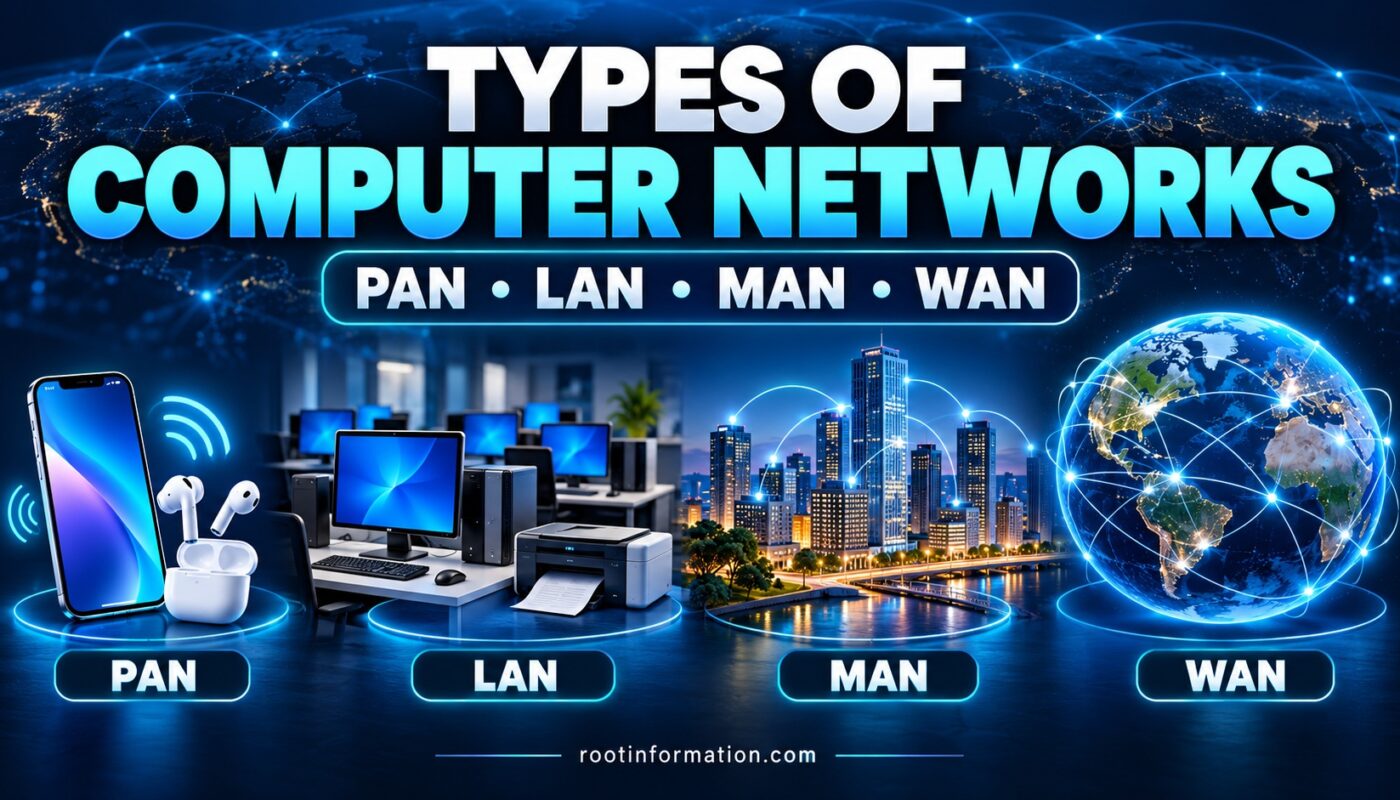
Types of computer networks explain how digital devices connect across different geographical areas. The four common categories are PAN, LAN, MAN and WAN. From a smartphone connected to Bluetooth earphones to offices sharing information across cities, each network type serves a different purpose.
Before exploring these network types, read our guide to the beginning of computer communication to understand how computers started exchanging information.
What Is a Computer Network?
A computer network connects devices so they can exchange information and share resources. These devices may include computers, smartphones, printers and servers.
For example, computers in a school laboratory can share a network printer. Students can print documents without connecting the printer separately to every computer.
Networks can be classified in several ways. PAN, LAN, MAN and WAN describe their scope or geographical coverage, while wired and wireless describe how devices connect.
Types of Computer Networks by Geographical Coverage
1. PAN: Personal Area Network
A Personal Area Network (PAN) connects devices around an individual.
A familiar example is a smartphone connected to Bluetooth earphones. The connection allows audio to travel between nearby personal devices.
Practical example: A student listens to an online lesson using Bluetooth earphones connected to a phone. The phone-to-earphone connection forms a personal network, while the lesson may arrive through a separate internet connection.
A PAN is useful for connecting personal devices over a limited area. Its actual range depends on the technology, equipment and surrounding conditions.
2. Types of Computer Networks: LAN Explained
A Local Area Network (LAN) connects devices within a limited location, such as a home, office or school building. It can use Ethernet cables, Wi-Fi or a combination of both.
Practical example: Imagine a school laboratory containing 20 computers and one network printer. With suitable settings and permissions, all the computers can use that printer.
A LAN can support:
- Sharing printers and files.
- Accessing a local server.
- Connecting classroom computers.
- Sharing an internet connection.
A LAN can also work without internet access. Local communication and access to online services are separate functions. For instance, a local printer may remain available even when the internet connection stops working.
3. MAN: Metropolitan Area Network
A Metropolitan Area Network (MAN) connects networks across a metropolitan area. It generally covers a broader area than a LAN while remaining more geographically concentrated than a WAN.
Practical example: A city administration could connect several municipal offices through a metropolitan network. Each office may have its own LAN, while the wider connection allows information to move between offices.
This example illustrates how separate local networks can become part of a larger system.
However, connecting two buildings does not automatically make a network a MAN. The overall scope and design matter.
4. Types of Computer Networks: WAN Explained
A Wide Area Network (WAN) connects networks across larger geographical areas, such as regions or countries. Organizations use WAN connections to link offices in different locations.
Practical example: A company could connect its Ara office with branches in Patna and Delhi. Each branch could have its own LAN while exchanging information through the wider network.
The internet is a global system of interconnected networks and is commonly used as the largest example of WAN-scale connectivity. However, a company’s private WAN and the public internet are not identical.
Types of Computer Networks: Comparison Table
| Network | Full Form | Typical Scope | Simple Example |
|---|---|---|---|
| PAN | Personal Area Network | Around one person | Smartphone and Bluetooth earphones |
| LAN | Local Area Network | Home, office or building | School computer laboratory |
| MAN | Metropolitan Area Network | Metropolitan area | Connected municipal offices |
| WAN | Wide Area Network | Regions or countries | Branch offices in different cities |
These categories describe typical scope. They do not have universally fixed kilometre boundaries.
Devices Used in Computer Networks
Several devices help computers communicate.
| Device | Main Function |
|---|---|
| Switch | Connects devices within a LAN |
| Router | Forwards traffic between networks |
| Wireless access point | Allows Wi-Fi devices to join a network |
A home Wi-Fi router often combines routing, switching and wireless access functions in one unit.
For example, a laptop may communicate with a local printer through the home network. When it opens a website, traffic travels through the router toward the internet provider.
Common Confusions About Types of Computer Networks
Is Wi-Fi the Same as the Internet?
No. Wi-Fi connects a device wirelessly to a local network. That network needs a working internet connection for the device to access online services.
This explains why a phone can display a Wi-Fi connection while websites fail to open.
Is Every LAN a Wired Network?
No. A LAN may contain wired devices, wireless devices or both. A wireless LAN is commonly called a WLAN.
Does Connecting More Computers Turn a LAN into a WAN?
No. Device count alone does not determine the category. A large number of computers within a local site can still belong to a LAN. Geographical scope and network design are more relevant.
Frequently Asked Questions
1. What Are the Four Common Types of Computer Networks?
PAN, LAN, MAN and WAN are four common categories based on network scope or geographical coverage.
2. Which Network Is Commonly Used in a School Computer Lab?
A school computer laboratory commonly uses a LAN. A larger institution may connect several local networks.
3. Can a LAN Work Without the Internet?
Yes. Properly configured local devices can communicate and share resources without internet access.
4. What Is the Main Difference Between MAN and WAN?
A MAN generally serves a metropolitan area, while a WAN connects networks across broader geographical areas.
5. Which Network Connects Personal Bluetooth Devices?
A connection between nearby personal Bluetooth devices is a common example of a PAN.
Conclusion
Understanding the types of computer networks helps explain everyday digital connections. PAN connects personal devices, LAN serves a local site, MAN links a metropolitan area, and WAN connects networks across larger distances.
To remember the difference, associate each abbreviation with a familiar example: earphones, a school laboratory, city offices and branches in different cities.
References
- IBM — Computer Networking: https://www.ibm.com/think/topics/networking
- Cisco — Local Area Network: https://www.cisco.com/site/us/en/learn/topics/networking/what-is-a-lan-local-area-network.html
- Cloudflare — Wide Area Network: https://www.cloudflare.com/learning/network-layer/what-is-a-wan/